AI channel concepts
One keyword is enough. The AI delivers a name, description, niche, audience, content pillars, first video ideas and matching artwork.
- Concept in four steps – keyword, concept, branding, create
- Refine or regenerate every field on its own
- Avatar (800×800) and banner (2560×1440) as variants, banner matched to the avatar
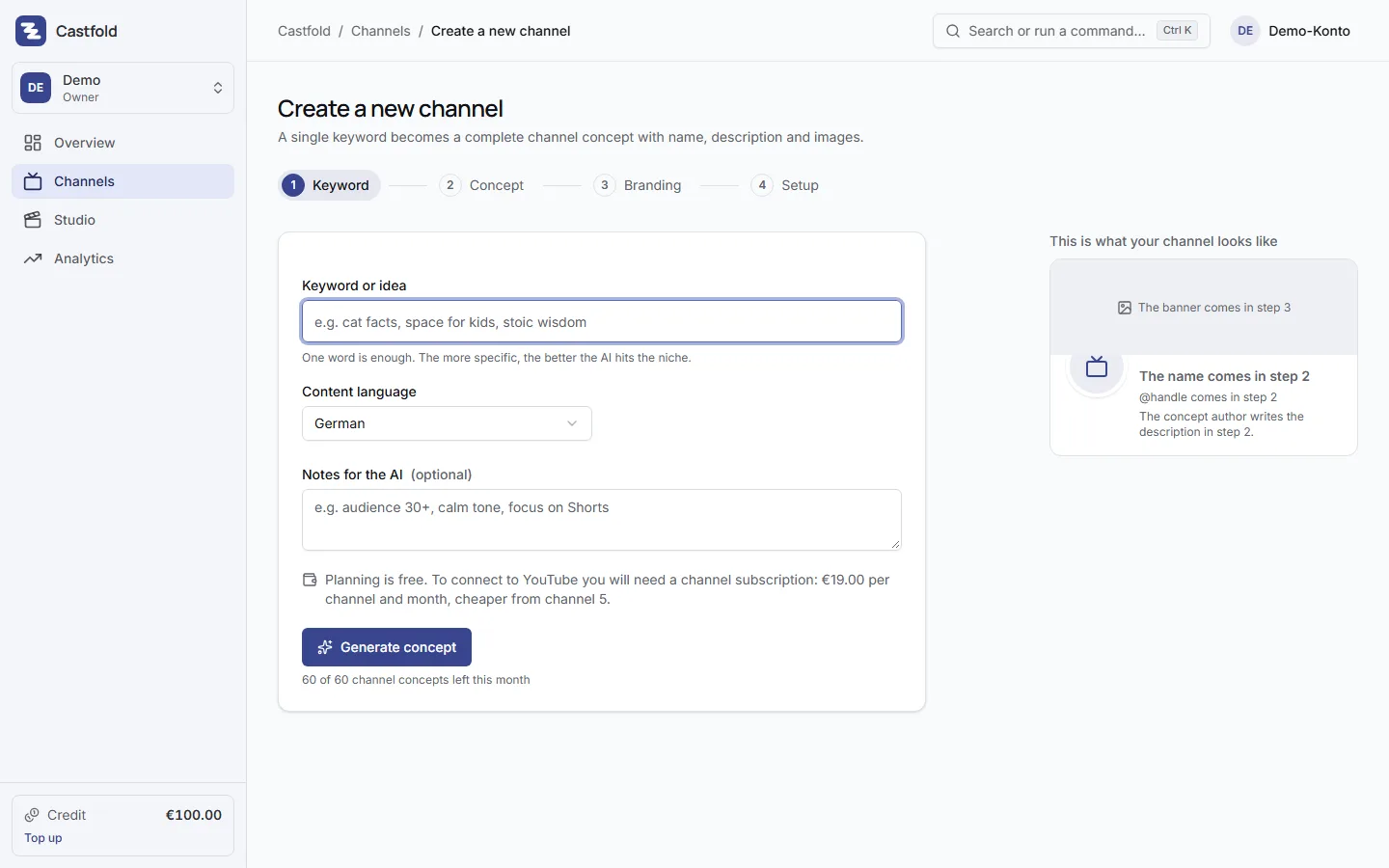
From keyword to channel
Type a keyword such as “space for kids” or “stoic wisdom”, pick the language of your content and optionally give the AI hints like “audience 30+, calm tone, focus on Shorts”. Out comes a concept with channel name, handle suggestions, description, keywords, niche, audience, content pillars, tone and first video ideas.
Refine instead of rerolling
Edit any field directly or regenerate it with an instruction: “shorter”, “funnier”, “more beginner-friendly”. If you want to rework the whole concept, do it in one go. The channel name stays within the 30 characters YouTube allows.
Avatar and banner from the concept
The concept includes image prompts for avatar and banner. Generate variants, pick a style (flat vector, soft 3D, emblem, mascot, photorealistic, retro, neon, watercolour) or let the style rotate per variant. The banner is generated to match the chosen avatar and shows the safe area for phones. A cheaper image model is available for quick variants.
Included in the channel subscription
Concepts, metadata, advice and ideas are included in the price of your channel subscription, up to an amount per channel and month – 20 concepts a month; more on the pricing page.
What the AI cannot do
YouTube does not allow creating channels, handles or profile pictures through its API. That is why the concept prepares everything and the setup checklist walks you through the few manual steps on YouTube.