Features
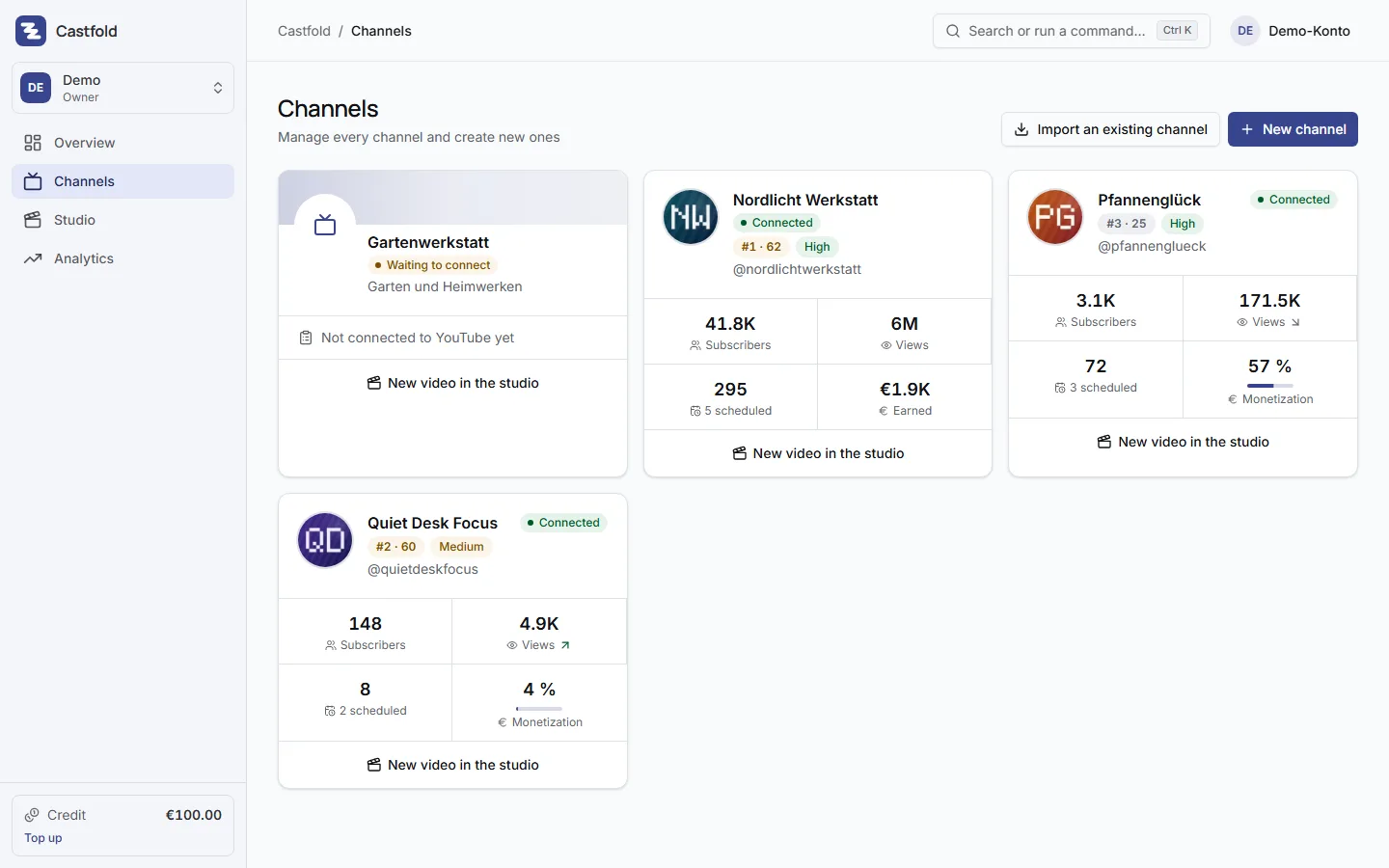
Seven areas, one cockpit. Every feature is built for running many channels, not one. Design new channels with AI, import existing ones with their videos and analytics.
-
One keyword is enough. The AI delivers a name, description, niche, audience, content pillars, first video ideas and matching artwork.
Learn more
-
YouTube only lets you create channels by hand. The checklist prepares everything; the connection takes care of the rest. Existing channels come in with their videos.
Learn more
-
Drop in a video, get title and description from AI, take the next free slot by your rules, up to 12 months ahead. Scheduled videos go to YouTube right away and are published on time.
Learn more
-
One dashboard for every channel and a ranking that tells you which channel deserves priority, and why.
Learn more
-
Pick a focus – hooks, titles, thumbnails, timing – and get concrete recommendations from your channel's own data.
Learn more
-
From idea to a finished Short or long-form video, with the price shown before every run, in daily use with us.
Learn more
-
Your videos are produced elsewhere? Scripts, Claude Code and partner tools deliver them straight into scheduling, with access keys instead of clicking.
Learn more
Questions about the features
Does Castfold create the YouTube channels for me?
No, YouTube does not allow that through its API. Castfold prepares name, handle, description, avatar and banner and walks you through the manual steps on YouTube with a checklist. After connecting, Castfold shows you the channel it found; once you confirm it is yours, it transfers name, description, keywords and banner.
Can I import existing YouTube channels?
Yes. Choose "Import an existing channel", sign in with Google and pick the channel. Castfold first shows you the channel it found (title, handle, subscriber and video count); once you confirm it is your channel, Castfold takes over channel picture and banner, name, handle and description, every video with its title and description, and the analytics. Video files are not copied; the videos stay on YouTube. Every channel is a channel in your subscription and costs €19 per month incl. 19 % VAT, less from the fifth channel of an account (graduated price), and you see that before the import.
How long does Castfold keep my video files?
It depends. A file you upload without scheduling it is kept by Castfold for 30 days (up to 50 GB per account) with a reminder by email seven days beforehand; after that you simply upload it again. Once a video is scheduled or published, Castfold removes its own copy as soon as YouTube has processed it, at the latest 48 hours after the transfer. The entry, title, description and analytics always remain; the preview then plays through YouTube. This applies to studio videos and uploaded videos alike.
Do I need a separate Google account for every channel?
No. Brand channels hang off one Google account. You connect each channel once via OAuth and pick the matching brand account in the Google dialog. You can disconnect at any time in Castfold or in your Google security settings.
Do I have to label AI content?
Yes, YouTube requires a label on realistic synthetic content. Castfold helps with an AI disclaimer in the description template; the label in YouTube's upload dialog remains your responsibility.
Set up your first channel
One keyword, one concept, one checklist. Your first channel is in the cockpit within minutes.