Video studio for AI short-form videos
From idea to a finished Short or long-form video, with the price shown before every run, in daily use with us.
- Scenes from AI video clips or inexpensive AI stills with motion added in the edit
- Style presets set camera, rhythm, narrator tone, music and transitions
- Cost estimate before every run, re-render single scenes, remix without new AI costs
The flow
Idea (or let the AI suggest the strongest idea for the channel) → script → scene plan → render → edit → finished video in the channel. Choose Short (9:16) or long-form (16:9), target length, voice and visual style. The video lands straight in scheduling.
AI video clips and stills, mixed
An AI video clip costs roughly ten times an AI still. So you choose: every scene as a video clip, stills only, or let the AI use video clips where they count (hook, turning point, payoff) and stills for the rest. Stills get motion from the edit: camera move, image sequence, punch-in, parallax, handheld.
Voice, music, transitions
Narration as an AI voice from the script (recommended for German), spoken directly inside the video clip (best in English), or no speech. AI music and transitions (fade, whip, zoom, wipe) follow the style preset and the beats of the script.
Costs before, not after
Before every run you see the estimate: clip seconds, images, voice minutes, music, thumbnail. You confirm this maximum price before the run starts; you are never charged more. After the run you see the actual amount. Single scenes can be re-rendered, “motion only” costs nothing, and a remix re-cuts everything without generating clips or voice again.
Queue, billing, labelling
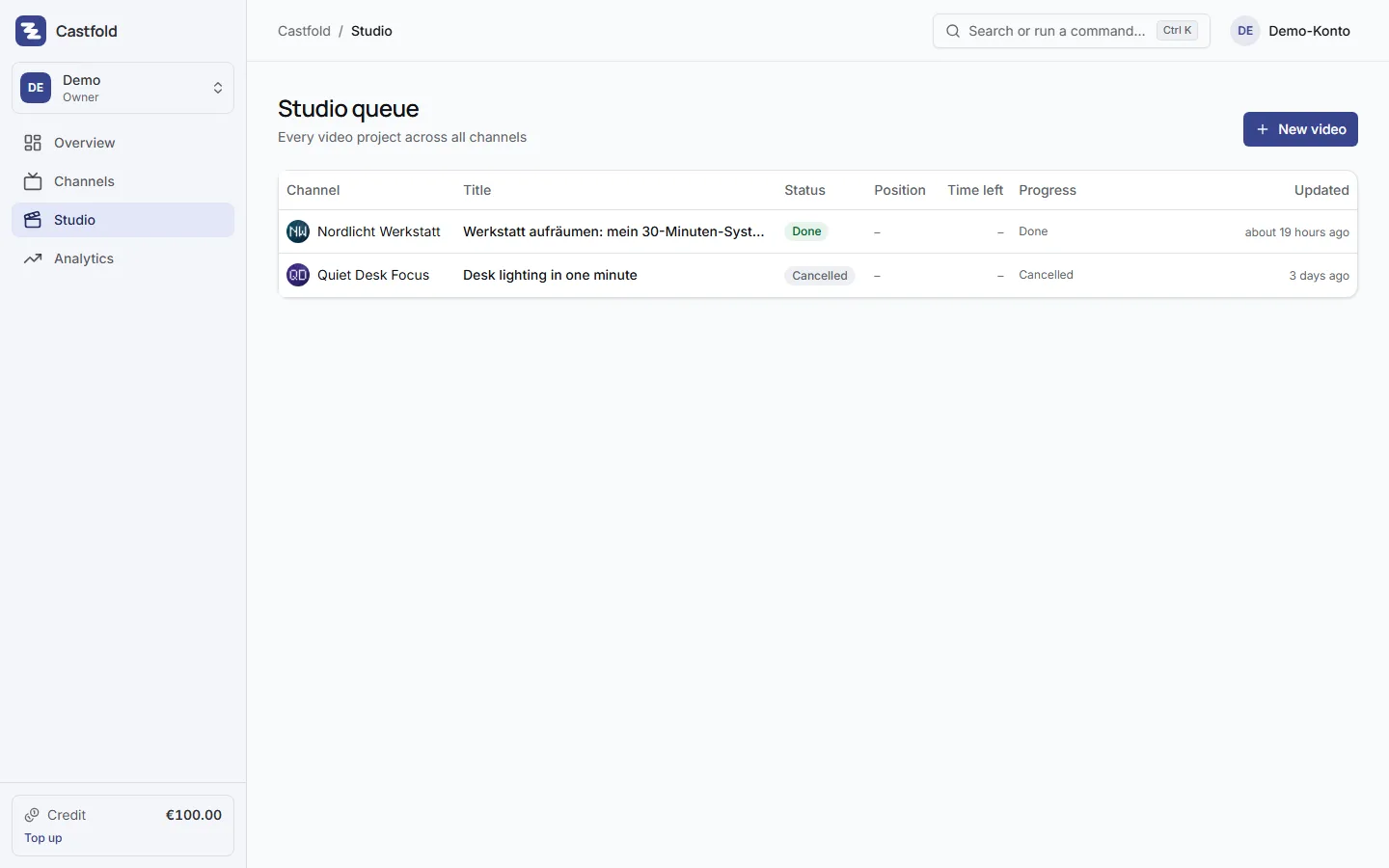
The studio is in daily use with us. AI video clips take a few minutes; progress and your position in the queue are visible in the cockpit, across all channels. Studio usage is billed by consumption against a fixed price list per clip second, still, voice minute and thumbnail; you see the price before every run and the actual amount afterwards (pricing). Generated content is synthetic and must be labelled as such on YouTube; the description template helps with that.
Video files do not stay forever
Once the finished video is scheduled or published, Castfold removes the video file as soon as YouTube has processed it, at the latest 48 hours after the transfer. After that the entry, title, description and analytics remain, and the preview in the app plays through YouTube. This applies to studio videos and uploaded videos alike.